📖 About This Guide
This page provides detailed prompts and recommendations for generating classical artwork depicting the Nine Muses using AI image generation tools. Whether you're using cloud-based services like Midjourney and DALL-E, or running models locally with Stable Diffusion, these prompts will help you create beautiful, mythologically-accurate portraits.
Each Muse includes: A detailed base prompt, style variations, and model-specific recommendations.
🛠️ AI Image Generation Models
Midjourney
Cloud PaidBest for: Artistic, stylized classical paintings
Strengths: Exceptional artistic quality, coherent compositions, excellent for classical art styles
Cost: $10-60/month subscription
Access: Discord bot or web interface
DALL-E 3
Cloud PaidBest for: Prompt accuracy, specific details
Strengths: Follows prompts precisely, good with text and symbols
Cost: $20/month (ChatGPT Plus) or pay-per-image
Access: ChatGPT, Bing Image Creator, API
Stable Diffusion XL
Local FreeBest for: Full control, unlimited generations
Strengths: Open source, runs locally, extensive customization
Cost: Free (requires GPU)
Access: AUTOMATIC1111, ComfyUI, InvokeAI
Flux
Local FreeBest for: High-quality, photorealistic or artistic
Strengths: Newer model, excellent quality, good prompt following
Cost: Free (requires 12GB+ GPU)
Access: ComfyUI, Replicate, HuggingFace
Leonardo.ai
Cloud Free TierBest for: Beginners, quick experiments
Strengths: User-friendly, multiple models, free daily credits
Cost: Free tier + paid plans
Access: Web interface
Adobe Firefly
Cloud PaidBest for: Commercial use, safe training data
Strengths: Commercially safe, Adobe ecosystem integration
Cost: Included with Creative Cloud
Access: Web, Photoshop, Illustrator
🖥️ Setting Up Local Generation (Stable Diffusion)
For unlimited, free image generation, you can run Stable Diffusion locally. Here's how:
Check System Requirements
You'll need:
- NVIDIA GPU with 6GB+ VRAM (8GB+ recommended)
- 16GB+ system RAM
- 50GB+ free disk space
- Windows, Linux, or macOS
Install AUTOMATIC1111 WebUI
The most popular interface for Stable Diffusion:
Download Models
Get checkpoint files from:
- CivitAI - Community models (many classical art styles)
- HuggingFace - Official Stable Diffusion models
- Recommended: "Realistic Vision" or "DreamShaper" for classical art
Place .safetensors files in: models/Stable-diffusion/
Launch and Generate
Access WebUI at: http://localhost:7860
Copy any prompt from below and start creating!
Alternative to Ollama: While Ollama doesn't support image generation, you can run Stable Diffusion via the methods above. For a simpler setup, try DiffusionBee (Mac) or InvokeAI (cross-platform) which have one-click installers.
🧠 Mnemosyne - Goddess of Memory
The primordial deity of memory and mother of the Nine Muses:
Mnemosyne
Style Variations:
🎭 The Nine Muses - Detailed Prompts
Each prompt is optimized for classical painting aesthetics. Adjust style modifiers based on your chosen model.
Calliope
Style Variations:
Clio
Style Variations:
Erato
Style Variations:
Euterpe
Style Variations:
Melpomene
Style Variations:
Polyhymnia
Style Variations:
Terpsichore
Style Variations:
Thalia
Style Variations:
Urania
Style Variations:
💡 Prompt Engineering Tips
Get better results with these techniques:
🎨 Art Style References
Mention specific artists (Caravaggio, Botticelli, Rubens) for consistent style. Most AI models know classical painters well.
📐 Aspect Ratios
Use 2:3 for portrait orientation (classical painting format). Try 16:9 for dramatic landscape compositions.
🌟 Lighting Keywords
"Chiaroscuro", "golden hour", "divine light rays", "Rembrandt lighting" dramatically affect mood and quality.
🎭 Emotional Direction
Describe facial expressions: "serene", "melancholic", "joyful", "contemplative", "dignified".
🖼️ Quality Boosters
Add: "museum quality", "highly detailed", "8k", "masterpiece", "oil painting texture" for better results.
🎨 Color Palette
Specify colors for robes and environment: "rich jewel tones", "soft pastels", "golden and crimson".
📸 Camera Terms
For photorealistic: "medium format camera", "85mm portrait lens", "shallow depth of field", "bokeh".
⚙️ Negative Prompts
In Stable Diffusion, use negative prompts to avoid: "modern clothing, contemporary, low quality, blurry, distorted".
🔄 Iterate and Refine
Generate multiple variations, then refine your favorite by adjusting specific elements in the prompt.
📚 Historical Accuracy
For authentic Greek style, mention: "classical Greek aesthetic", "ancient Greek", "Hellenistic period".
✨ Symbolic Elements
Include Muse-specific symbols: scrolls for Calliope, masks for Melpomene, celestial globes for Urania.
🎯 Specific > Generic
"Flowing white silk robes with gold embroidery" beats "nice dress". Details matter!
🚀 Quick Start Recommendations
Beginner (Free): Start with Leonardo.ai free tier or Bing Image Creator (DALL-E 3). Both are user-friendly and require no setup.
Enthusiast (Budget): Midjourney Basic plan ($10/month) offers best quality-to-ease ratio. Perfect for creating a complete set of Muse portraits.
Advanced (Local Control): Install Stable Diffusion via AUTOMATIC1111. Unlimited generations, full control, but requires technical setup and capable GPU.
Professional (Best Quality): Midjourney Pro plan combined with Photoshop + Firefly for refinement and commercial safety.
🎨 Gallery: Classical vs. Cyberpunk
Click any image to expand and explore the portraits generated from these prompts.
Mnemosyne - Titaness of Memory
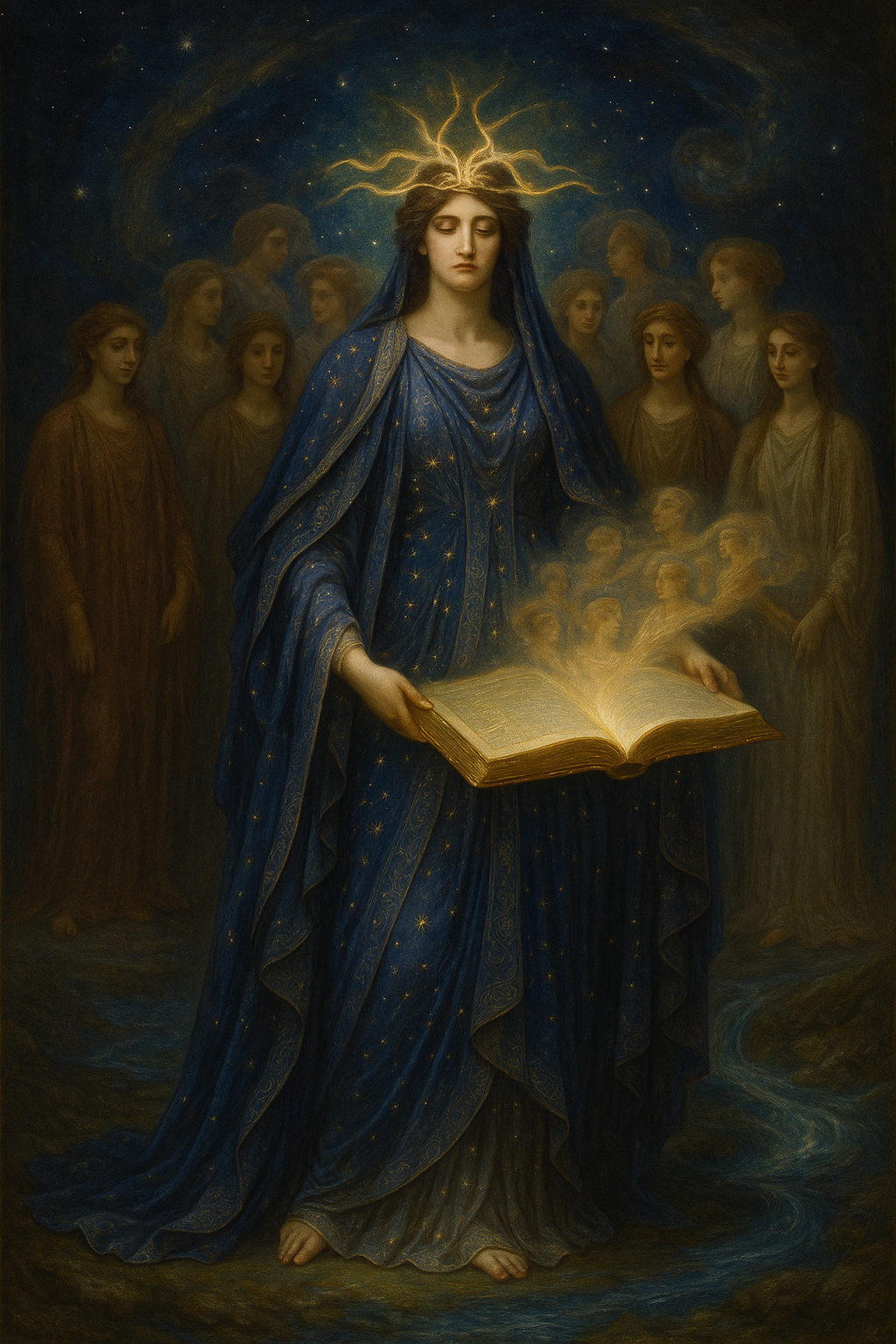
Classical
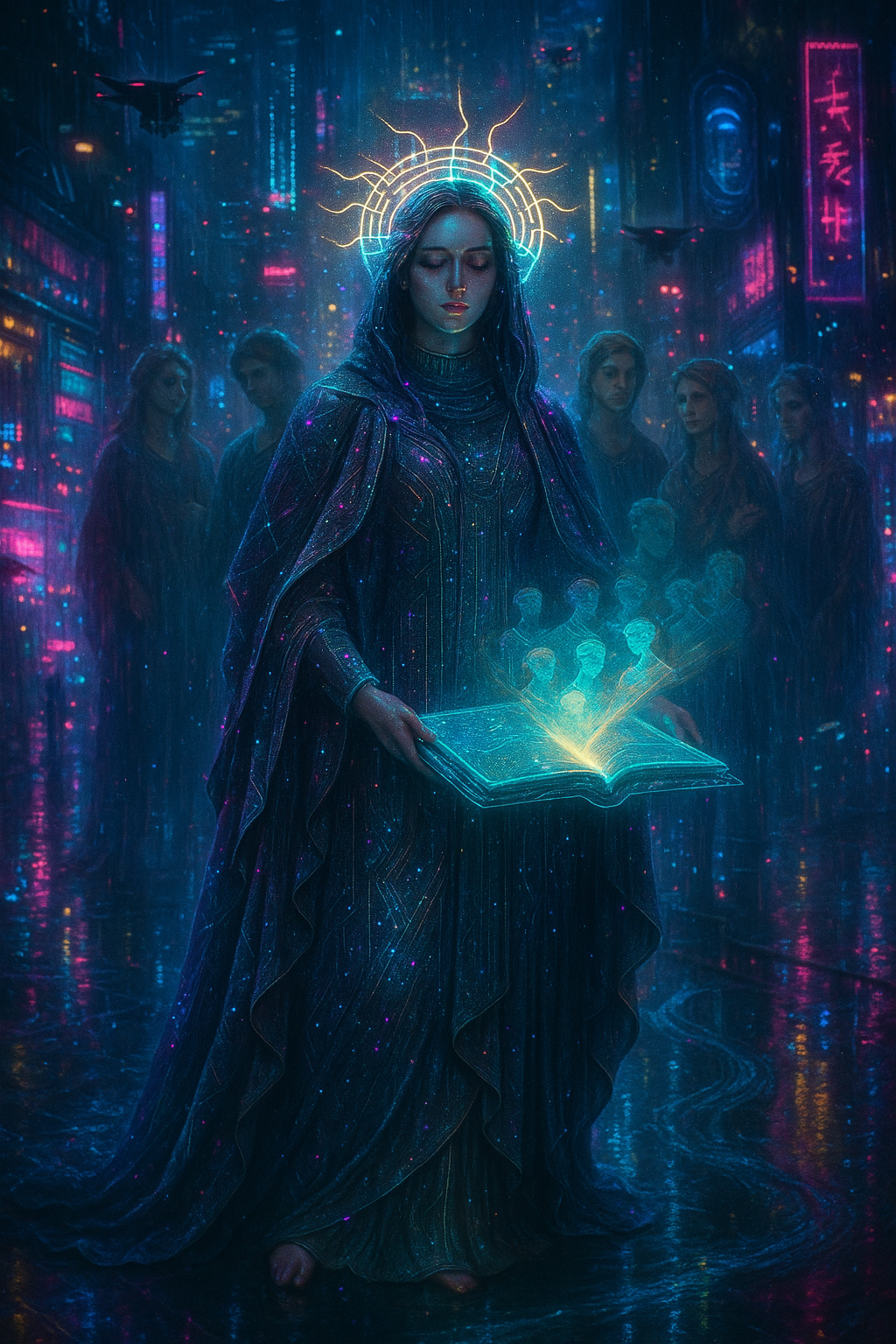
Cyberpunk
Calliope - Muse of Epic Poetry
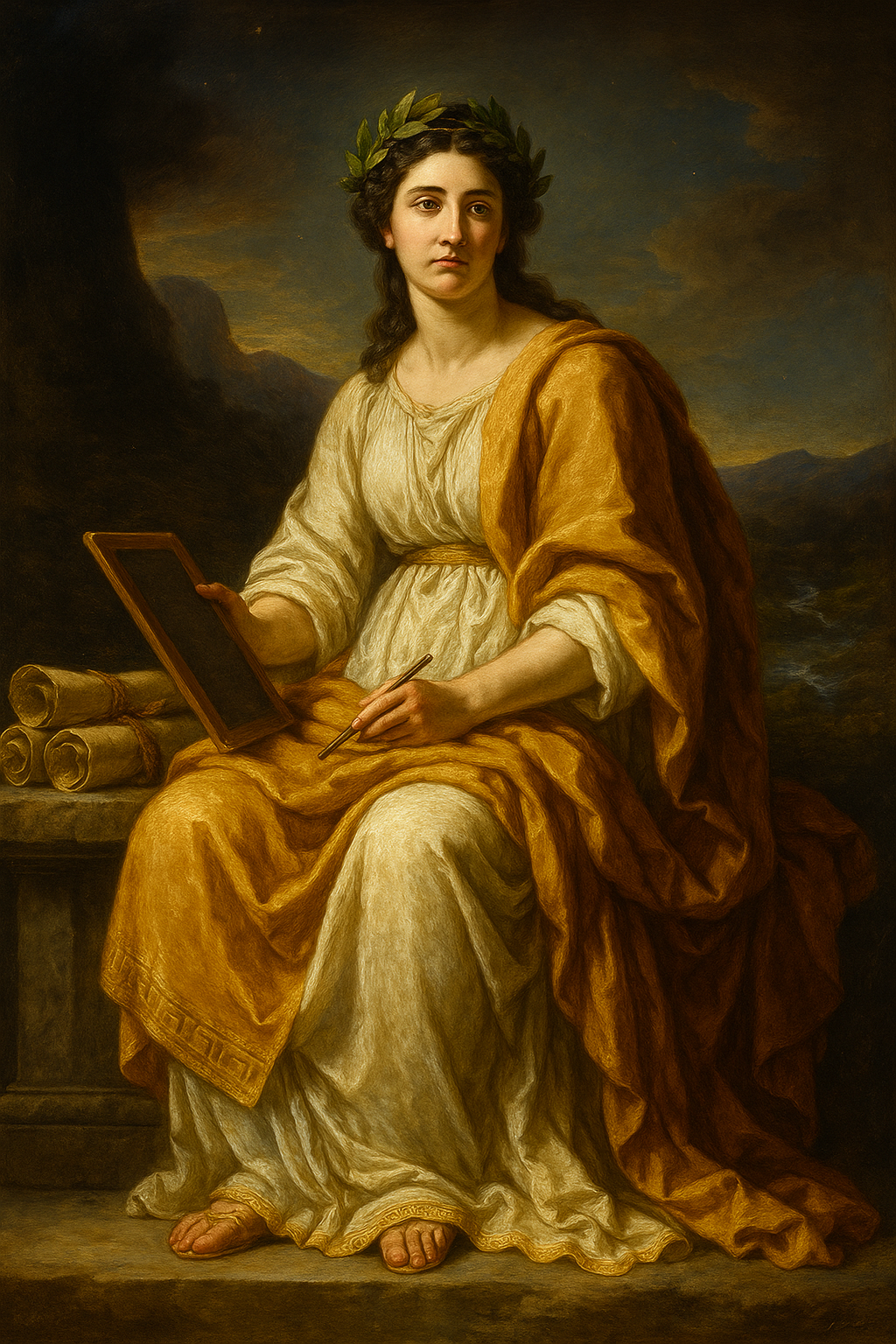
Classical
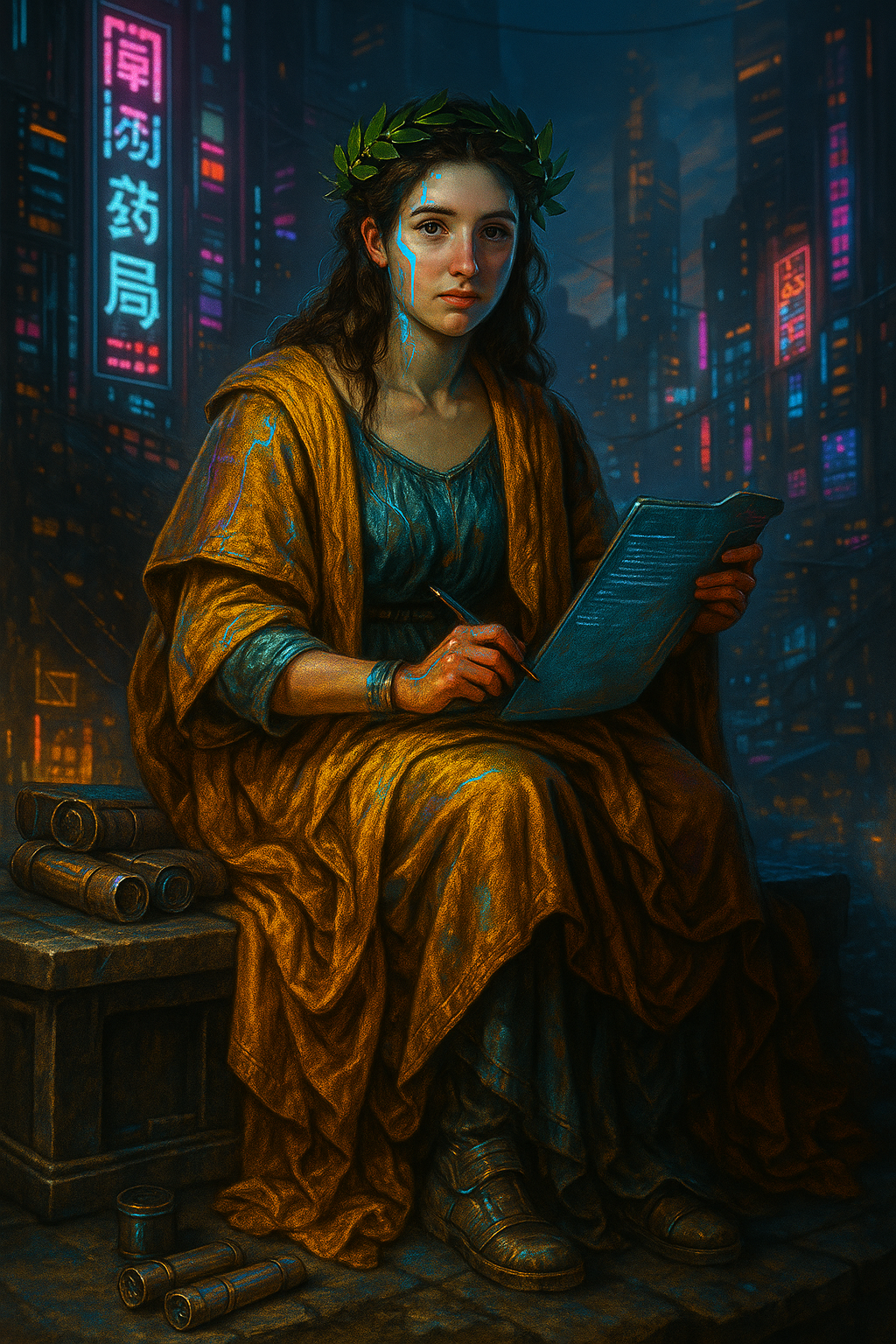
Cyberpunk
Clio - Muse of History
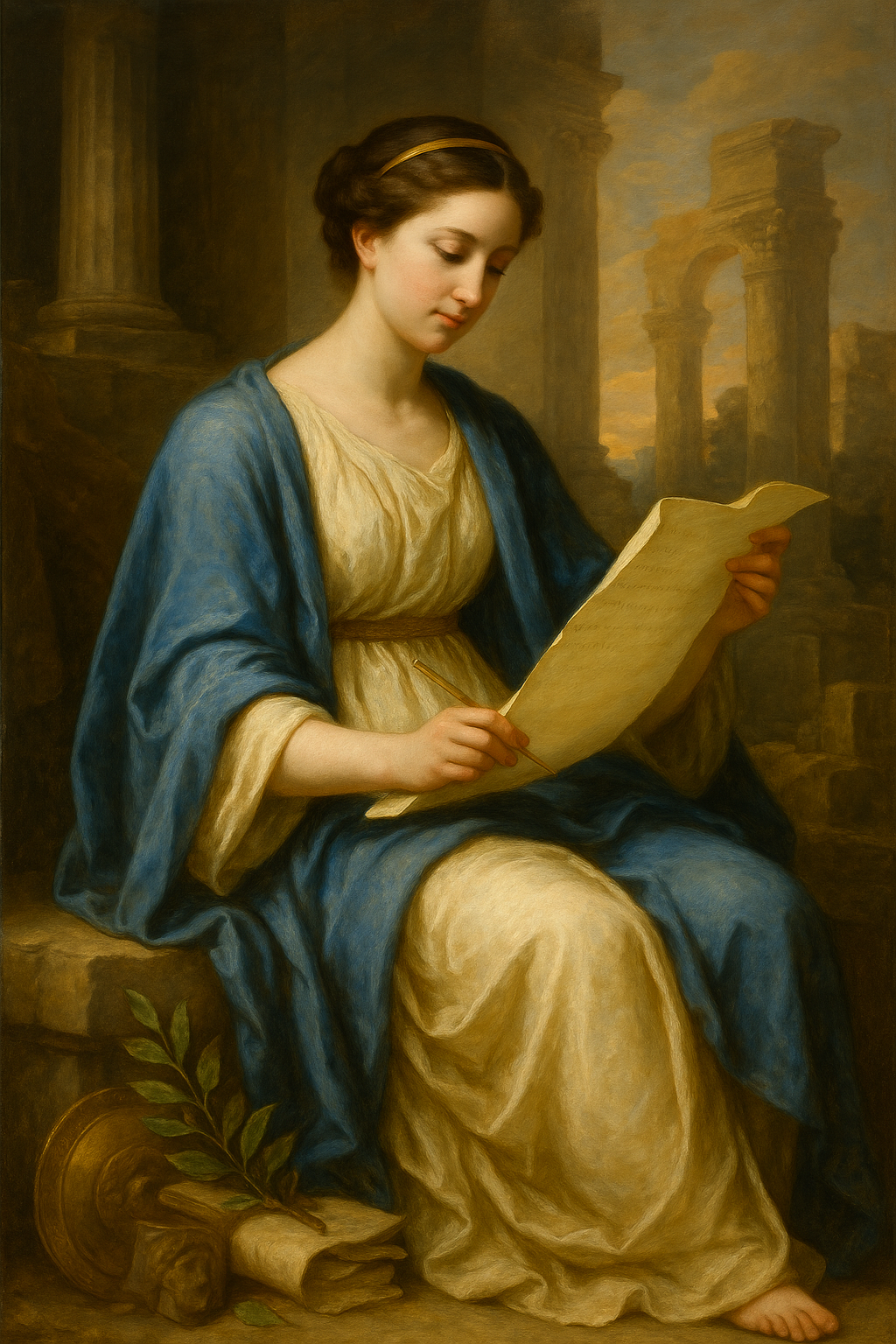
Classical
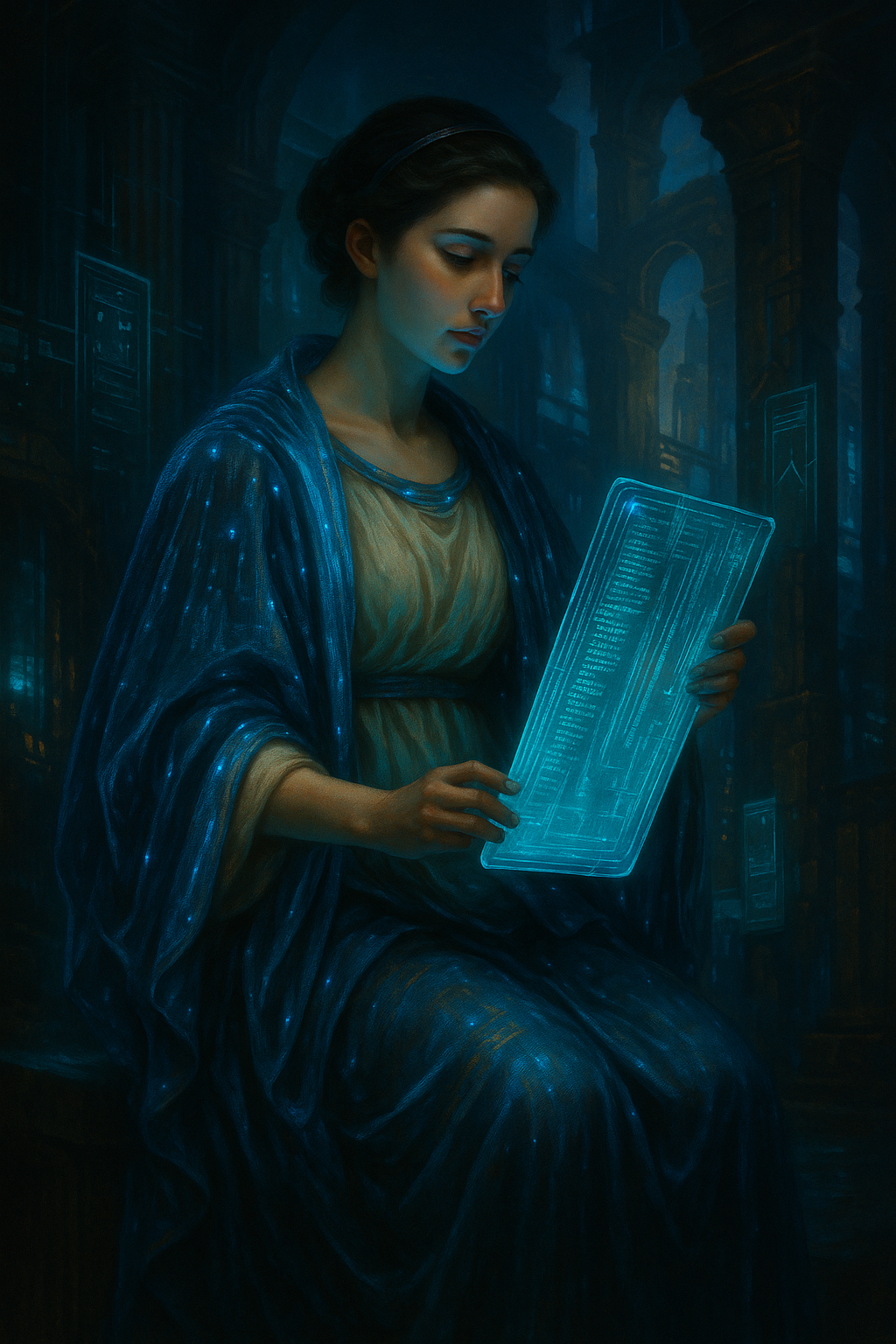
Cyberpunk
Erato - Muse of Love Poetry
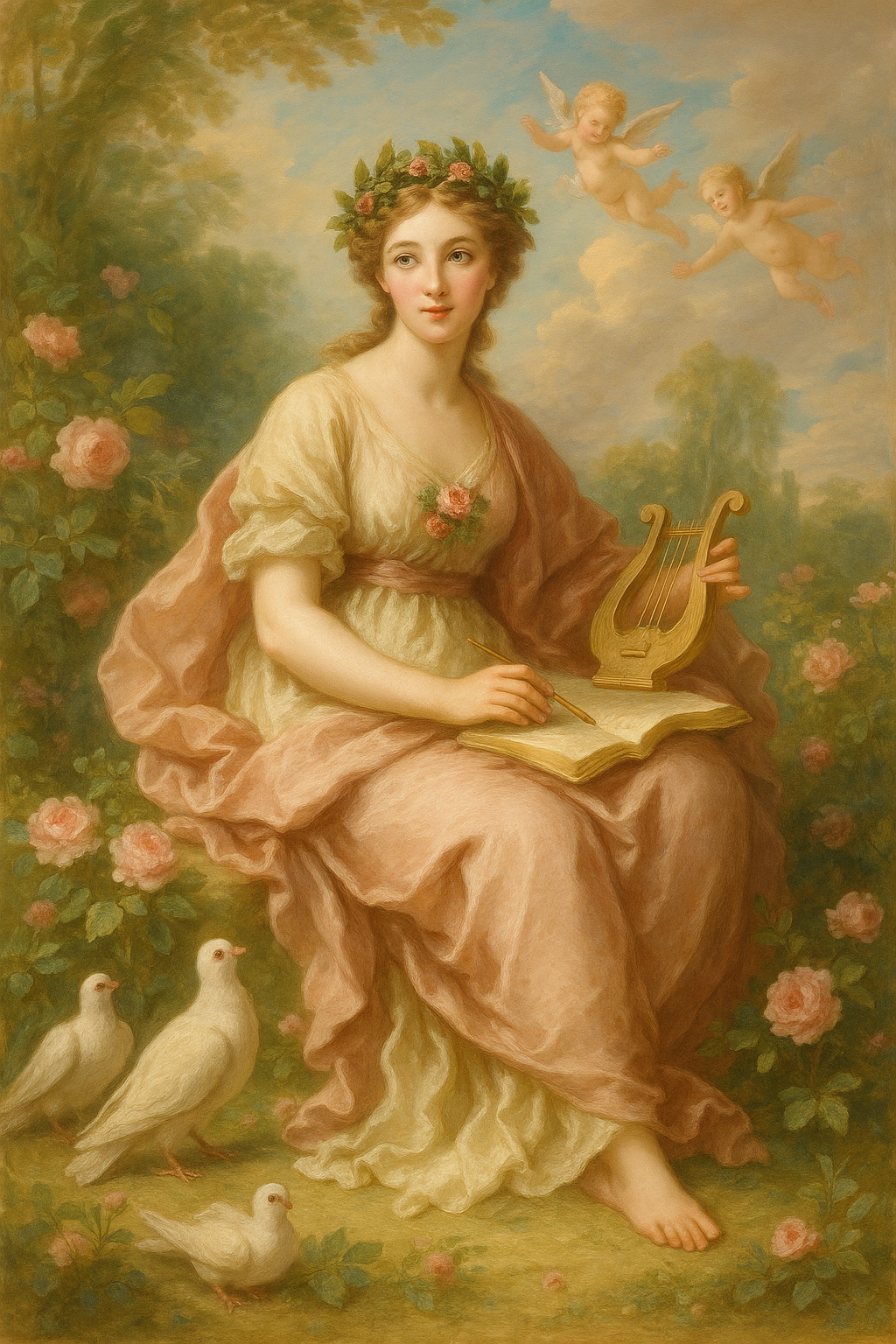
Classical
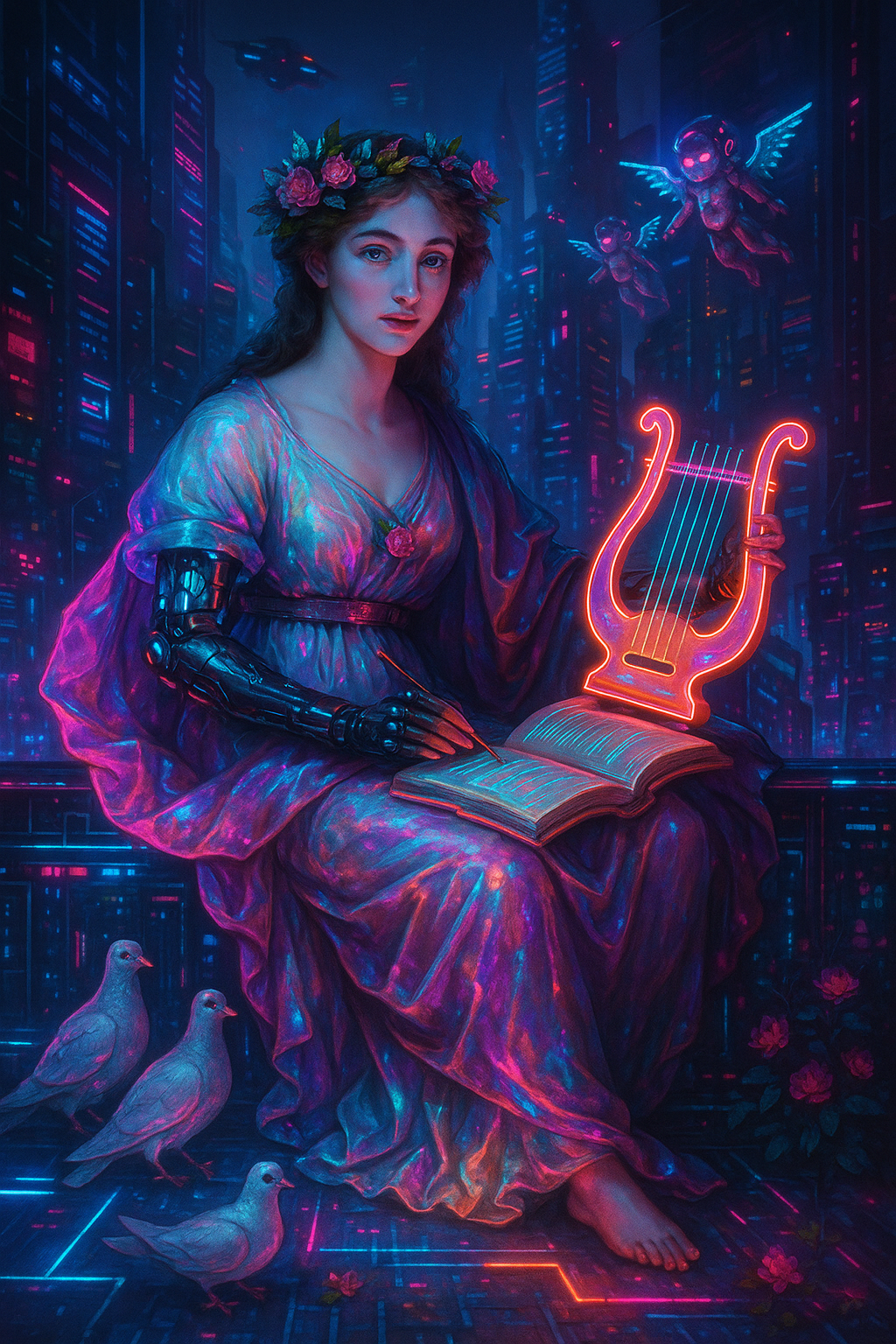
Cyberpunk
Euterpe - Muse of Music
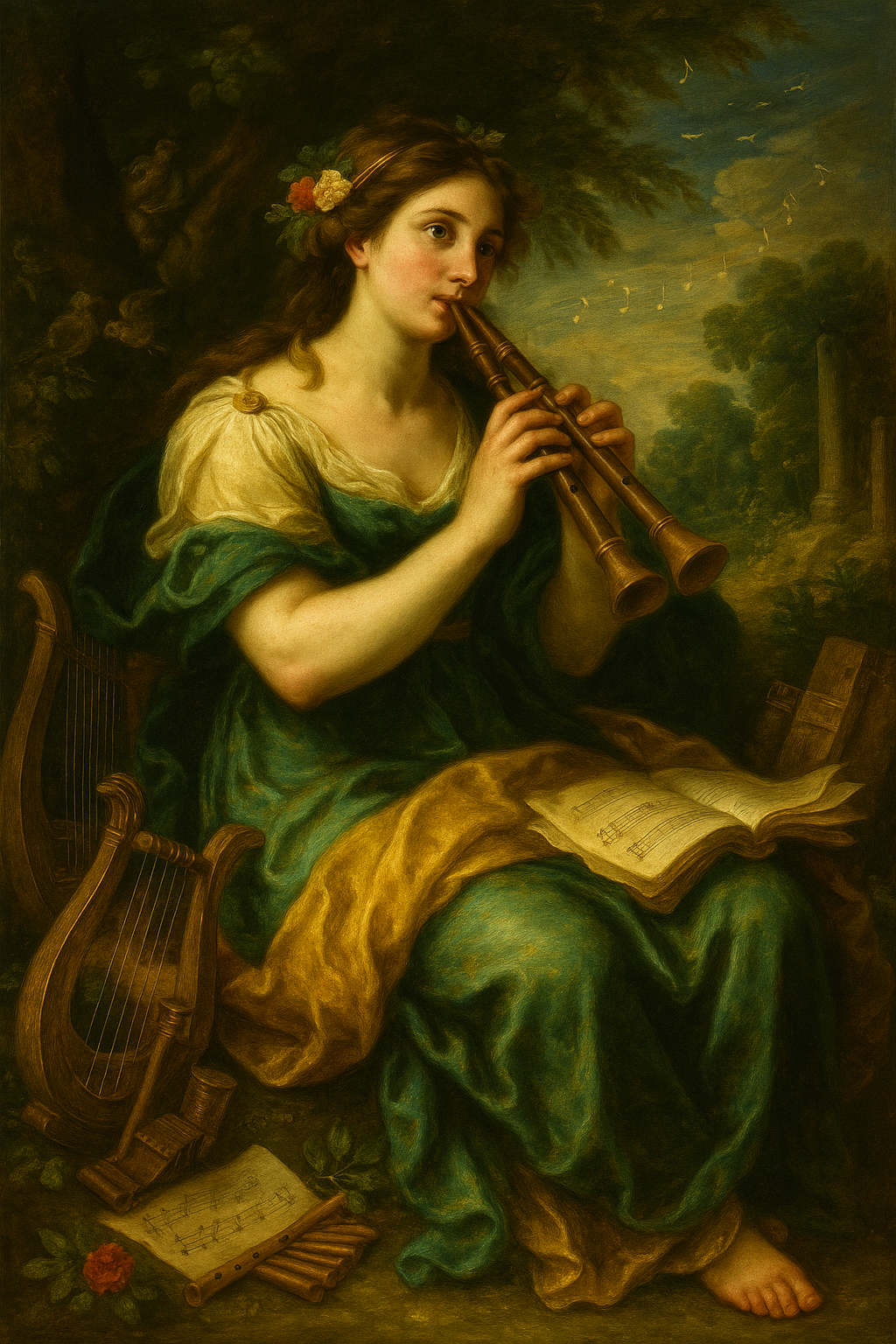
Classical
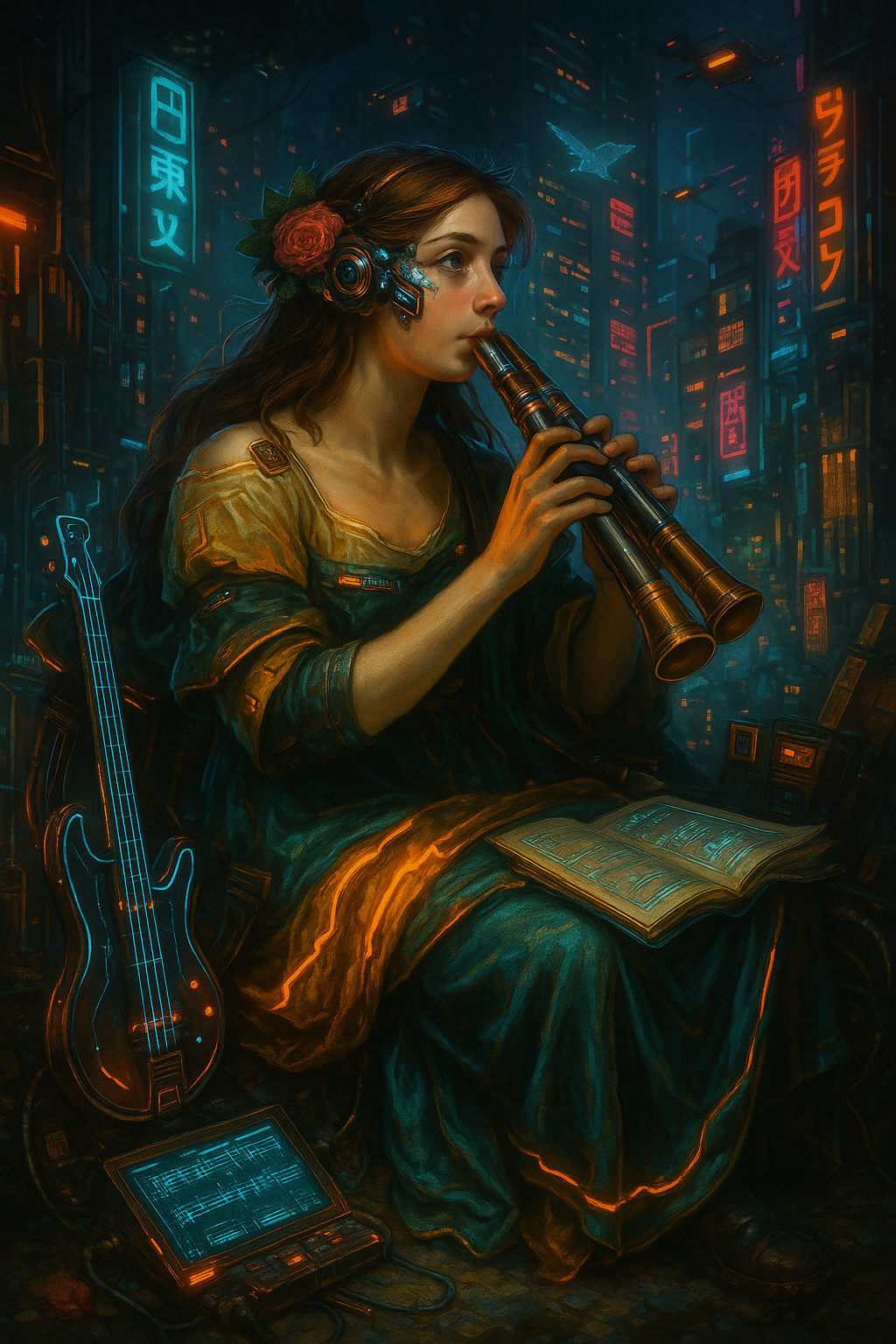
Cyberpunk
Melpomene - Muse of Tragedy

Classical
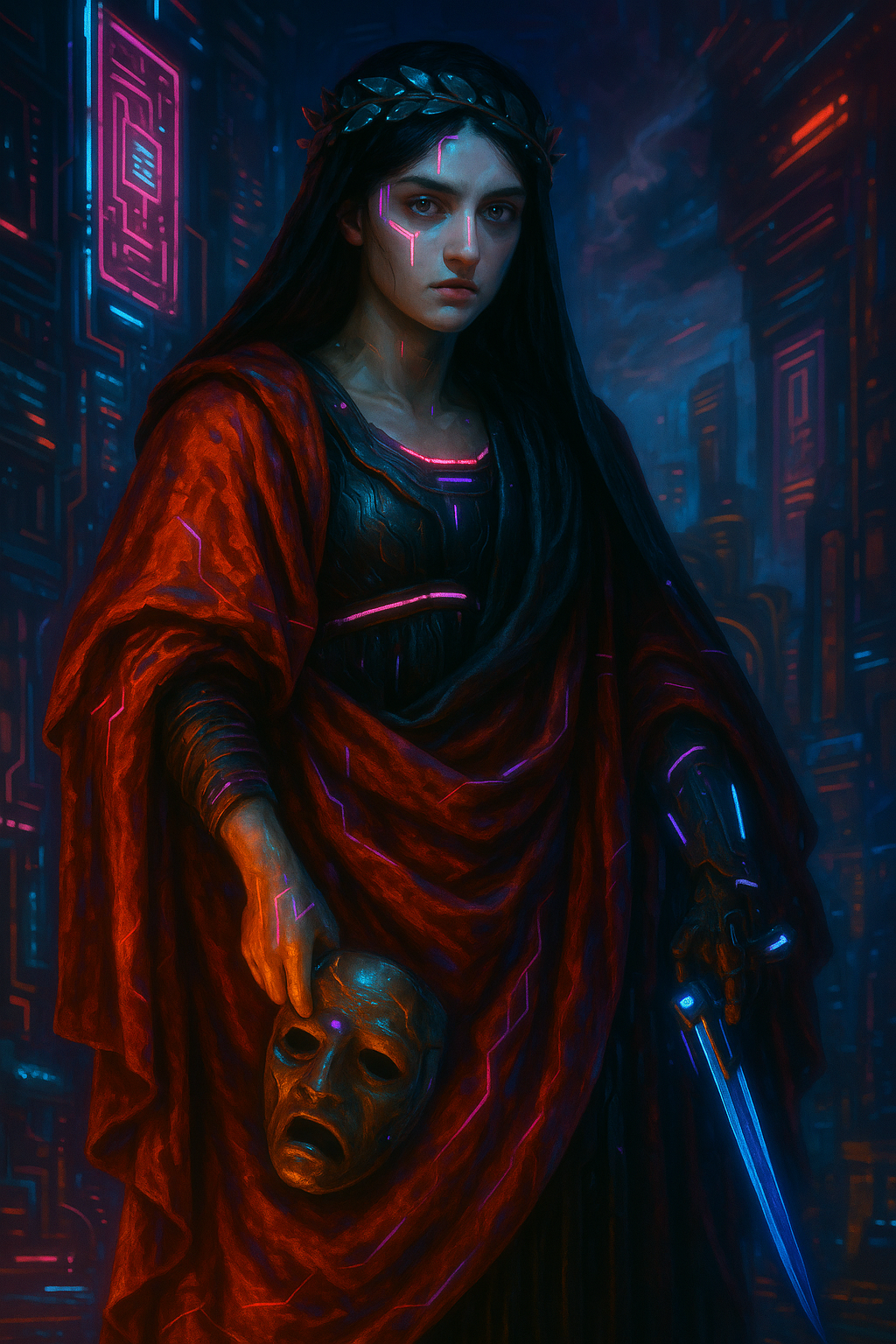
Cyberpunk
Polyhymnia - Muse of Sacred Poetry
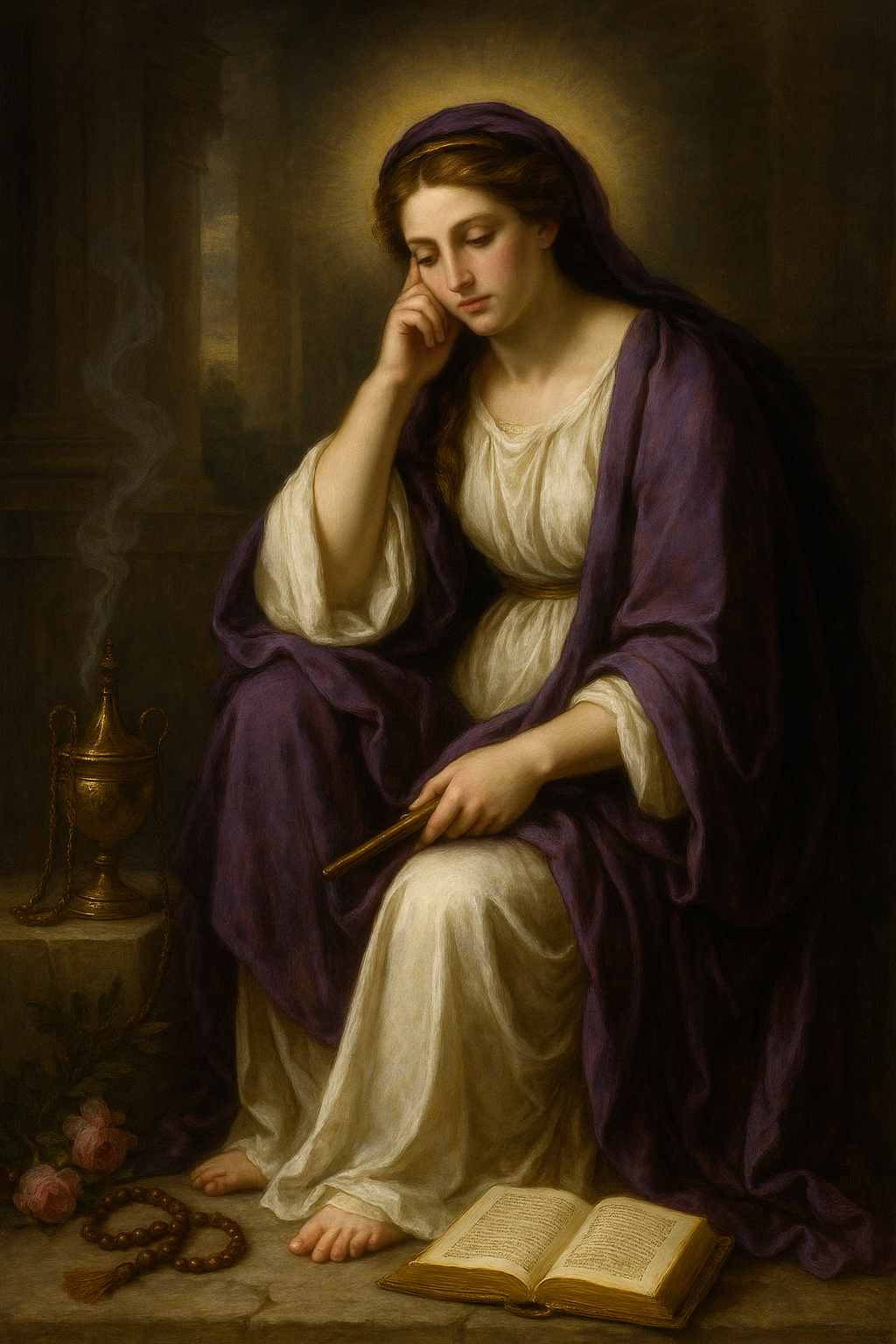
Classical
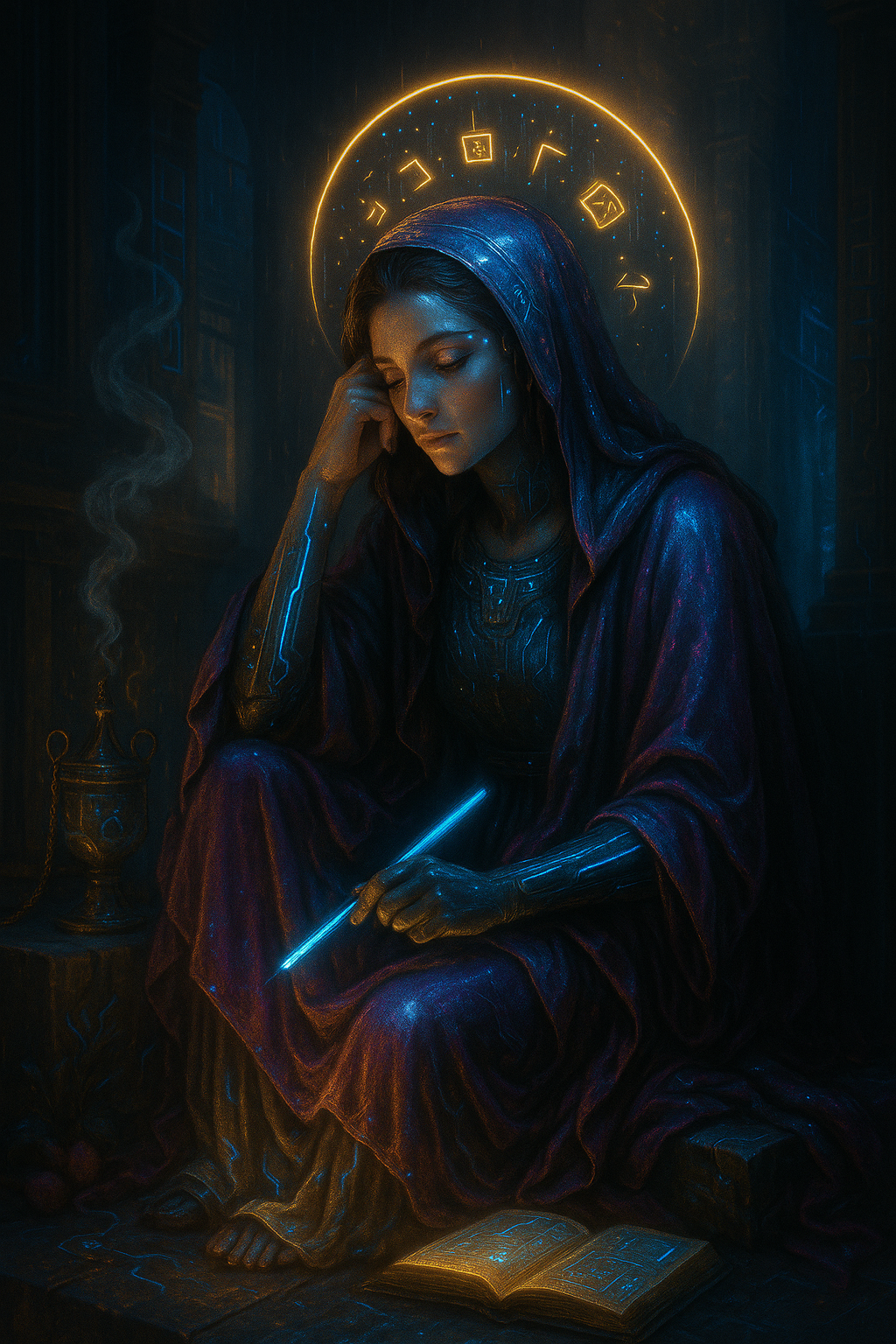
Cyberpunk
Terpsichore - Muse of Dance

Classical

Cyberpunk
Thalia - Muse of Comedy
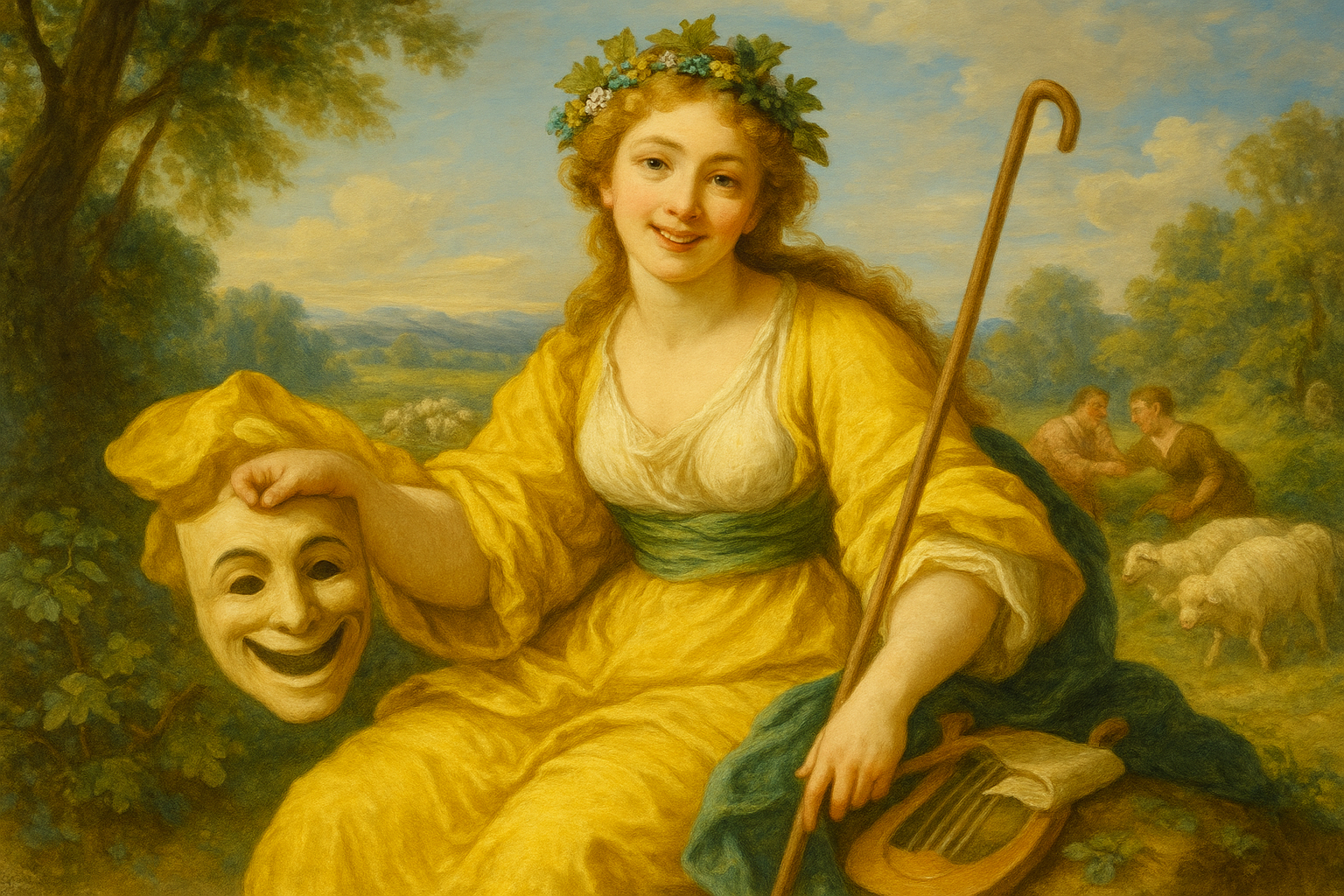
Classical
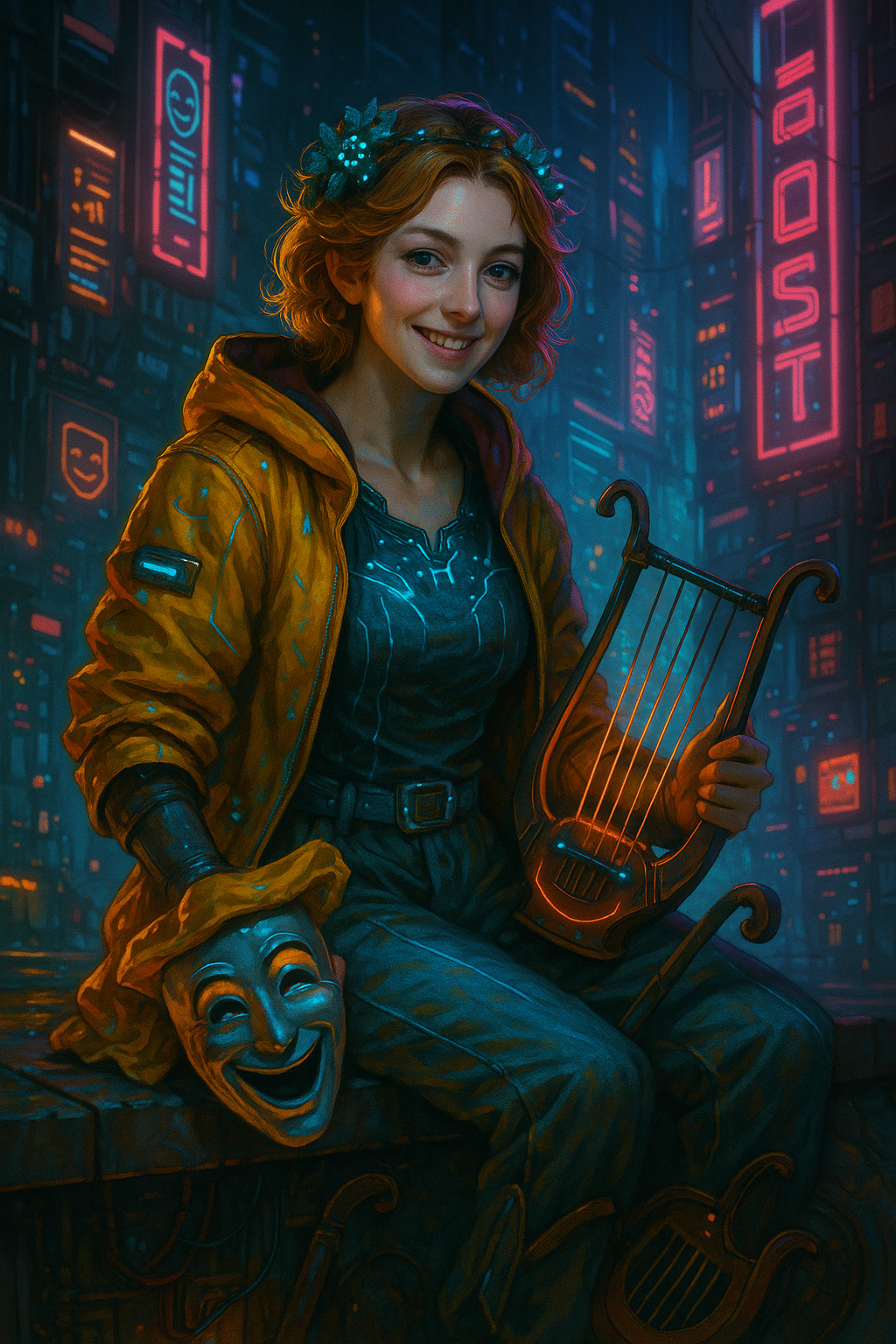
Cyberpunk
Urania - Muse of Astronomy

Classical
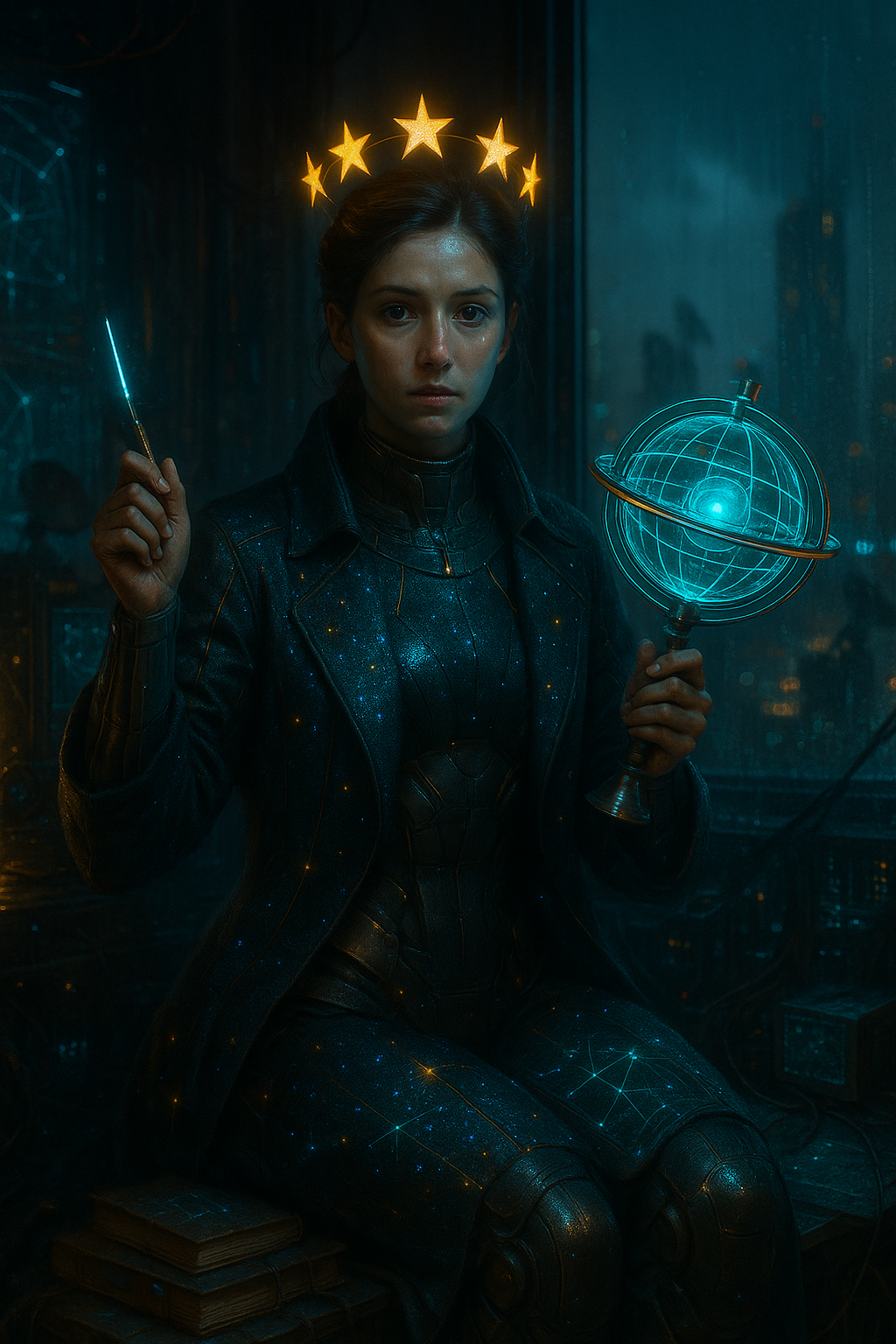
Cyberpunk